
Setting up reoccurring dues:
Posted September 30, 2021
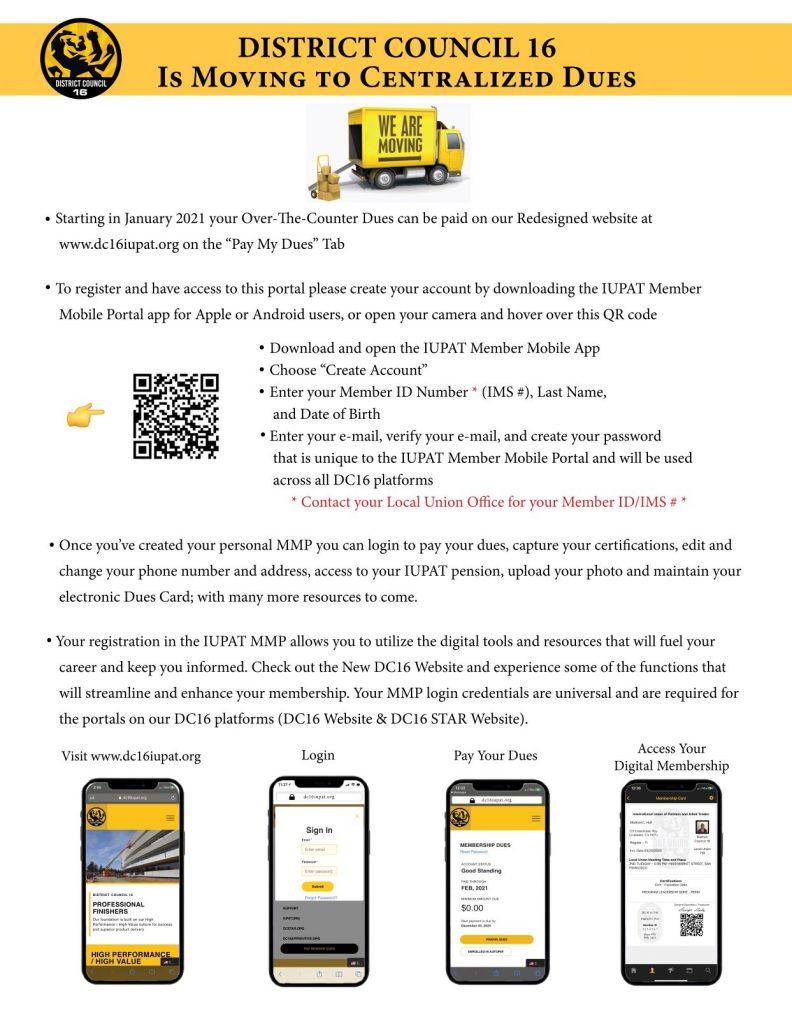
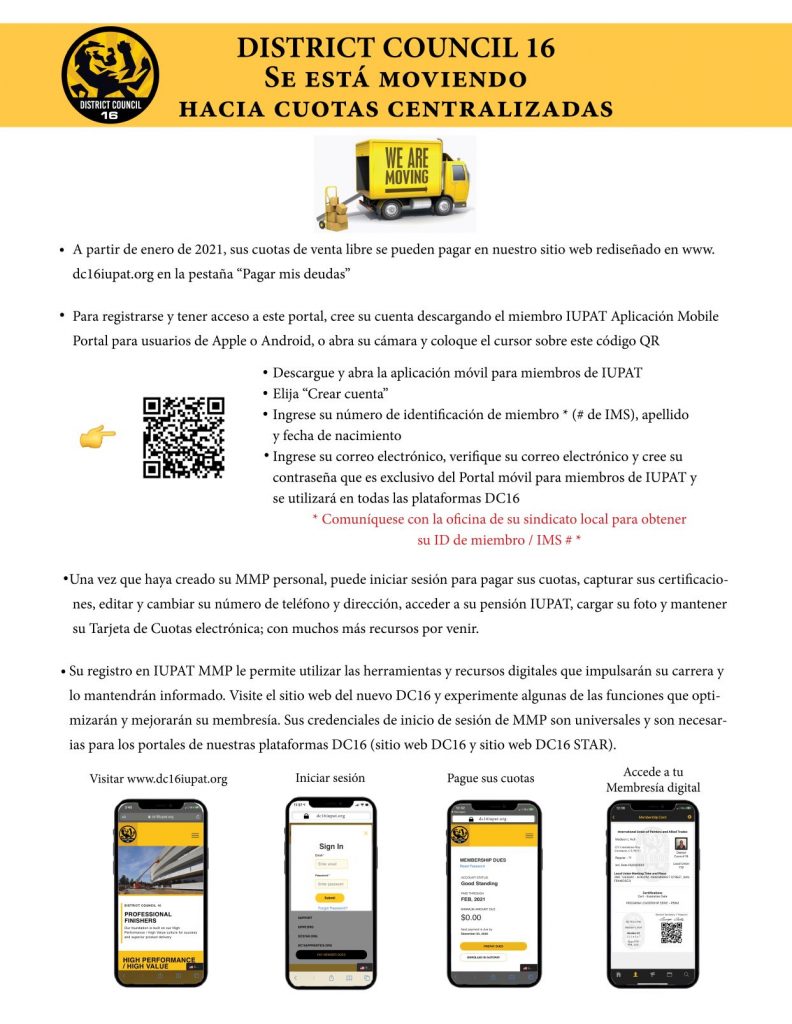
By now everyone should have their MMP (Member Mobile Portal) set up in order to be able to pay dues and access all that the DC16 digital world has to offer. This process might be a little harder for some than others but we are here to help with getting this process taken care of. Included are instructions for setting up your Portal.
Many are confused and try to pay dues on the App but dues can only be paid after setting up your portal App. Then go online at www.dc16iupat.org
Once on the www.dc16iupat.org site you go to the top right corner and click on “pay member dues” (on a cell phone you click on the 3 lines to get a drop down menu and at the bottom of the menu is “pay member dues”. After 3 months of dues not being paid you will be suspended and a $50.00 suspension fee will be automatically added to your account and after 6 months of not paying dues you will be dropped.
To avoid fees and being dropped you can set up reoccurring dues when in your account online.
MOST RECENT
Ever wanted a sharp jacket with the Local 718 logo embroidered on the back? Here’s your chance. Every year, the…
July 10, 2026Damion White District Council 16 is proud to recognize Damion White as our June Member of the Month. This honor…
July 10, 2026 English
  Spanish